
TumblBee
A downloadable app for Windows, macOS, and Linux
TumblBee
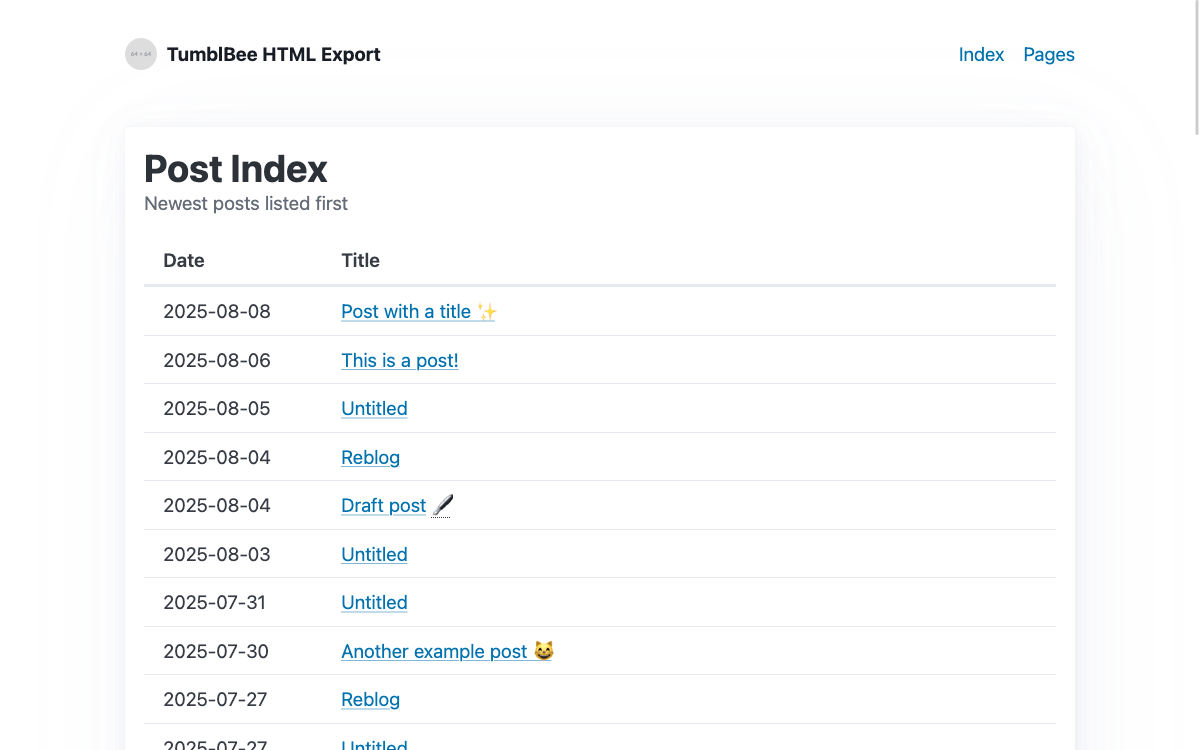
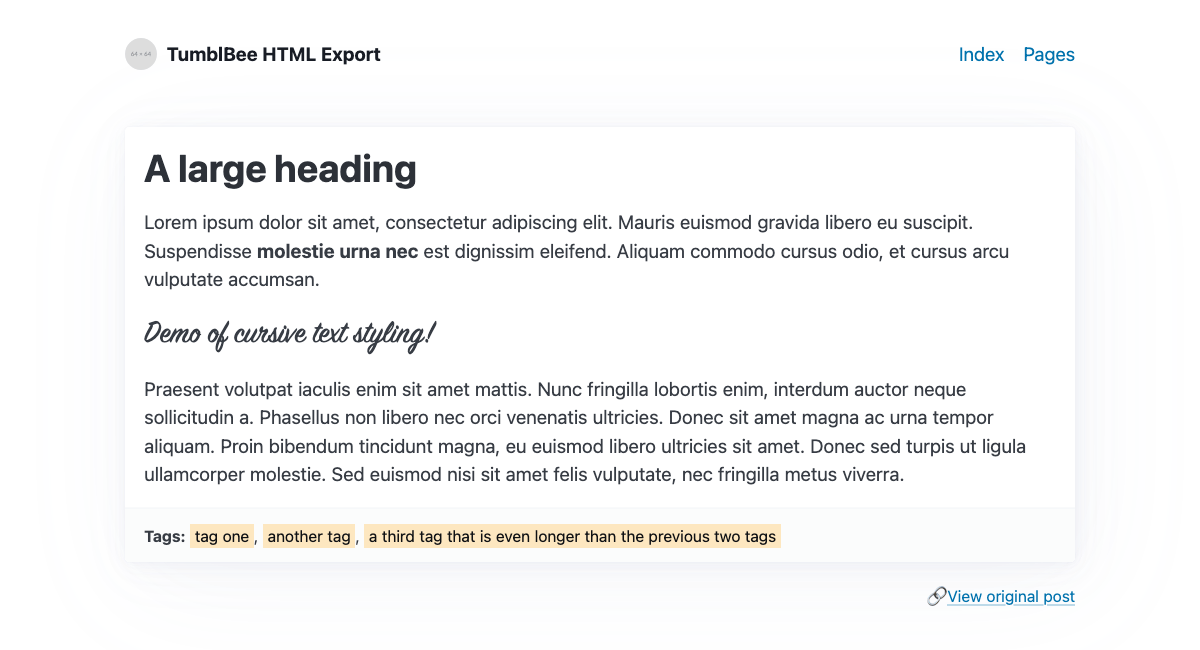
TumblBee is a friendly cross-platform desktop application for exporting your Tumblr posts and pages. It exports to both Markdown and HTML formats and supports all Tumblr block types, including polls, in both legacy and NPF posts. Back up your posts for safe keeping, browse your own tags in Obsidian, or export your whole blog for uploading elsewhere. Let your posts be yours forever.
(BONUS: There's an Easter egg hidden somewhere in the app. Can you find it? 👀)
Features
- Available for Windows, macOS, and Linux
- Export to Markdown or HTML (styled with Pico CSS)
- Exports all original posts by default, with options for draft posts, private posts, and pages
- NEW! Export all posts, including reblogs, for a complete archive of your blog
- Exports pages in original HTML or Markdown
- Supports undocumented polls API
- Supports asks and reblogs
- Multiple configuration options
Links
- Documentation - Usage info, FAQ, and topic-specific guides
- Bug report form - Found a bug? Please report it here--thank you! ❤️
Leave a comment if you found TumblBee useful, and let me know if you do something cool with your export files!
Thanks for supporting indie devs and the open web! ✨
Download
Click download now to get access to the following files:
Development log
- Version 1.2.853 days ago
- Version 1.2.758 days ago
- Version 1.2.6 - Export EVERYTHING 🌈85 days ago
- Version 1.2.5Oct 29, 2025
- Version 1.2.4Sep 28, 2025
- Version 1.2.3Sep 14, 2025
- Version 1.2.2Sep 10, 2025
- Version 1.2.1Sep 06, 2025
Comments
Log in with itch.io to leave a comment.
thank you so much for this!! i think … my personal blog is a bit too chunky for it bahaha … 14+ years of posts, and it tends to freeze the application up in the first few minutes?
i’ve managed to export some of my sideblogs that only had 5-10 original posts, but when i try to do it with my main blog or one of my bigger side blogs, it ends up freezing the application completely, and it doesn’t seem to recover from checking the post IDs or getting data … even trying for a single day that had 3 posts froze it 🥀🥀
i’m not sure if after clicking ‘allow’ for the authentication that the ‘The connection was reset’ page is normal on localhost:8080 (or if Waterfox is weird about it), but since it can export my tiny sideblogs and says it was authenticated… i’d assume it is working to some degree
Oh no, sorry to hear that you’re having trouble with the app! I was able to reproduce the issue that you’re seeing with your main blog on Windows–I’ll spend some time digging in on it and see if I can get a fix out this week!
I’ve added the Windows version of the previous release (1.2.7) to the list of available downloads. If you should have a free moment, could you test with this version and let me know if you run into the same issue? This will help me to determine if the problem has something to do with the refactored code in 1.2.8.
thank you so much for the quick reply!!! i am doing a backup right now of one of my bigger blogs which WAS giving an issue, and it seems to be working without the immediate freeze on the 1.2.7 version. same with exporting a single day on my main blog
–and it did export my side blog safely! only 120 posts on that specific blog, but even that one was causing issues with 1.2.8. the files all seem to be intact too, they open w/o issues in a markdown editor and have all their images from the looks of it
edit: hmm … i’m doing an export of my big blog right now and it tossed an error of index out of range … weirdly my roleplaying blog of 5 years is not having an issue exporting with 9000 posts, but … the beloathed giant 14-year-old main blog is LOL.
edit 2: seems like the index issue happened on my 2nd roleplay blog as well which is also old as hell, though that one got through about 5,400 posts before hitting the index issue …
apologies for the wall of text bahaha, i’m just live-updating as i export in case anything needs to be flagged. i THINK the 2nd roleplay blog froze from this post (since the last exported .md i have is the post before this one), and i’ll check for my personal blog in a second when it hits the index issue again. it may be because they’re … empty? posts?
… ok yeah, this post looks like it has content on the theme, but when viewed in mobile view, it’s completely empty
maybe this is already an issue resolved in 1.2.8
edit 3: i hope these don’t send emails when i edit them bahaha im SO SORRY if they do since i tend to do minor edits to my wording … my main blog is now exporting fine??? after i changed the settings to be compatible with obsidian/quartz, but the same settings were causing a hangup on the RP blog??
(aside from hitting the API rate, but that’s kind of expected … surprisingly i think i had more posts on my rp blog that got fully exported)
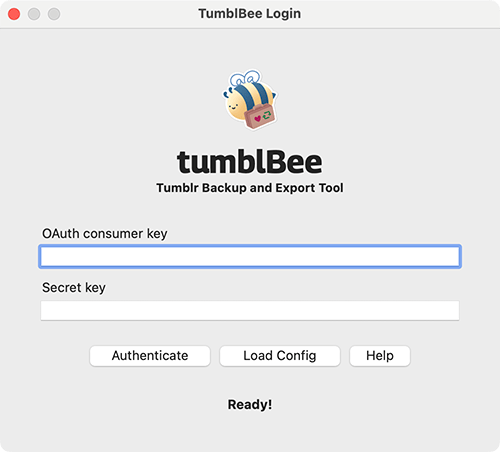
Hi, I'm having a Authentication error when trying to use TumblBee for the first time. I entered in my OAuth consumer key and Secret Key, clicked Authenticate on TumblBee, then clicked allow on Tumblr. It just stops at Authentication Error.
Update: I got it working! There was another Tumblr backup service I got confused with in my app settings.
Hi I just have a question.
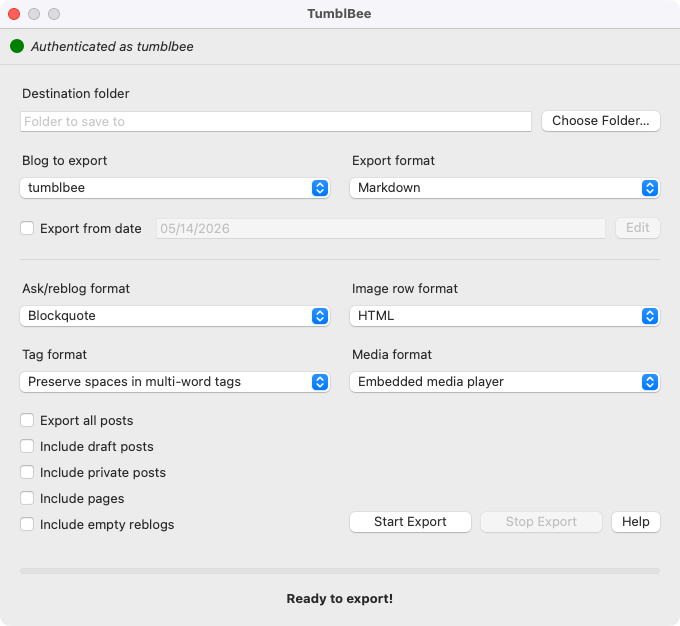
Is there a way to backup your blog from a specific date period? I want to back up my blog since my last backup but don't want to 2 versions of the same post. Thank you for making this!
Hi there! At the moment, there’s no way to backup a blog from a specific date, unless you’re resuming from a previous unfinished TumblBee backup. Project updates were on hold for a few months while I was temporarily without a PC, but now that I’m up and running again, I should be able to pick up where I left off! I’ll see about getting this feature request added, hopefully this week if time permits. 😸
Thank you!!!
Hi again! It’s been a while since this comment, but I wanted to follow up and let you know that I’ve added support for exporting posts starting from a specific date. Let me know if you have any feedback if you decide to give it a try! 💕
This was a great experience! Very easy to set up and use.
Only real constructive feedback I have is that I find that it appending "/tumblbee" to whatever folder I choose to be very annoying. It should be whatever folder I select, period.
Other than that, it was great to use. If I were to recommend more features, I have had to find several other tools to export other things from Tumblr and converting them to Markdown. It would be great of TumblBee did all of it!
Thanks again, for both this and TumblMark!
I’m so glad to hear it was a smooth experience for you! Thank you so much! ❤️
I can definitely understand how the default export folder behavior might be unexpected and frustrating. Thanks for bringing it to my attention! I’m prepping a small bug fix release for sometime this week, so I’ll see about getting some changes added in, as well.
I will also see about getting some of these other feature requests added in as time permits, though I can’t make any promises on an ETA!
Very cool, thank you for sharing! I'm wondering which size of image it's able to get? In my experience, Tumblr's official archive is able to get the original images, which are hard to get otherwise (https://github.com/cebtenzzre/tumblr-utils/issues/24). Also, JSON would be very useful as an export format if possible! ^^
Thanks so much for the kind words! 😊
TumblBee is designed to always grab the original version of any media that’s passed to it. In newer posts, these original-size media are marked with
has_original_dimensions: true, but this field is absent on posts made before the rollout of NPF and the new API (2018). To get around this, I’ve chosen to instead grab the first media file provided for any given block. Since media sizes are returned in descending order, in my testing, this always returns the original media file. If you should see anything different in your testing, though, please do report it as a bug so I can look into it.JSON format is a great suggestion—thank you! I’ll see about getting that added sometime in the next few days!
Just to make sure I’m developing with the right use case in mind, can you tell me a little bit more about how you’d like to use a JSON export? Are you hoping for something that exports in Tumblr’s own JSON format, totally unmodified (so TumblBee just serves as a friendlier front end for the API), or would you like to see a modified JSON output with some content processing done, closer to what you’d get from the Markdown or HTML exports? Any details you can provide would be a big help! 💕
I'm so sorry for missing this! I didn't have email notifications for replies on. T_T I guess I'm thinking of something that could easily be processed later into HTML? As long as all the info is preserved in a useful way, I could hack something around it for my purposes!
Thanks again for making this, and for your reply above about the image sizes, I didn't know some of that!
Not a bug but worth mentioning in FAQ; Once you get a "limit reached" message clicking "start export" will make it delete all its progress.
Closing and reopening will result in "failed to get user info from Tumblr"
Whoops, definitely an oversight–thanks for flagging it! I’ll add a note to the current docs, and I’ll try to get an update out with a fix this week 😊
Just wanted to follow up–version 1.1.0 is now available, which adds the ability to resume unfinished exports. Thanks again for reporting this!